Jack N已验证购买
Good for a courier drop-off point
Drivers sign in on it all day with cold hands. The keys respond to a light press, which matters when nobody wants to take gloves off.
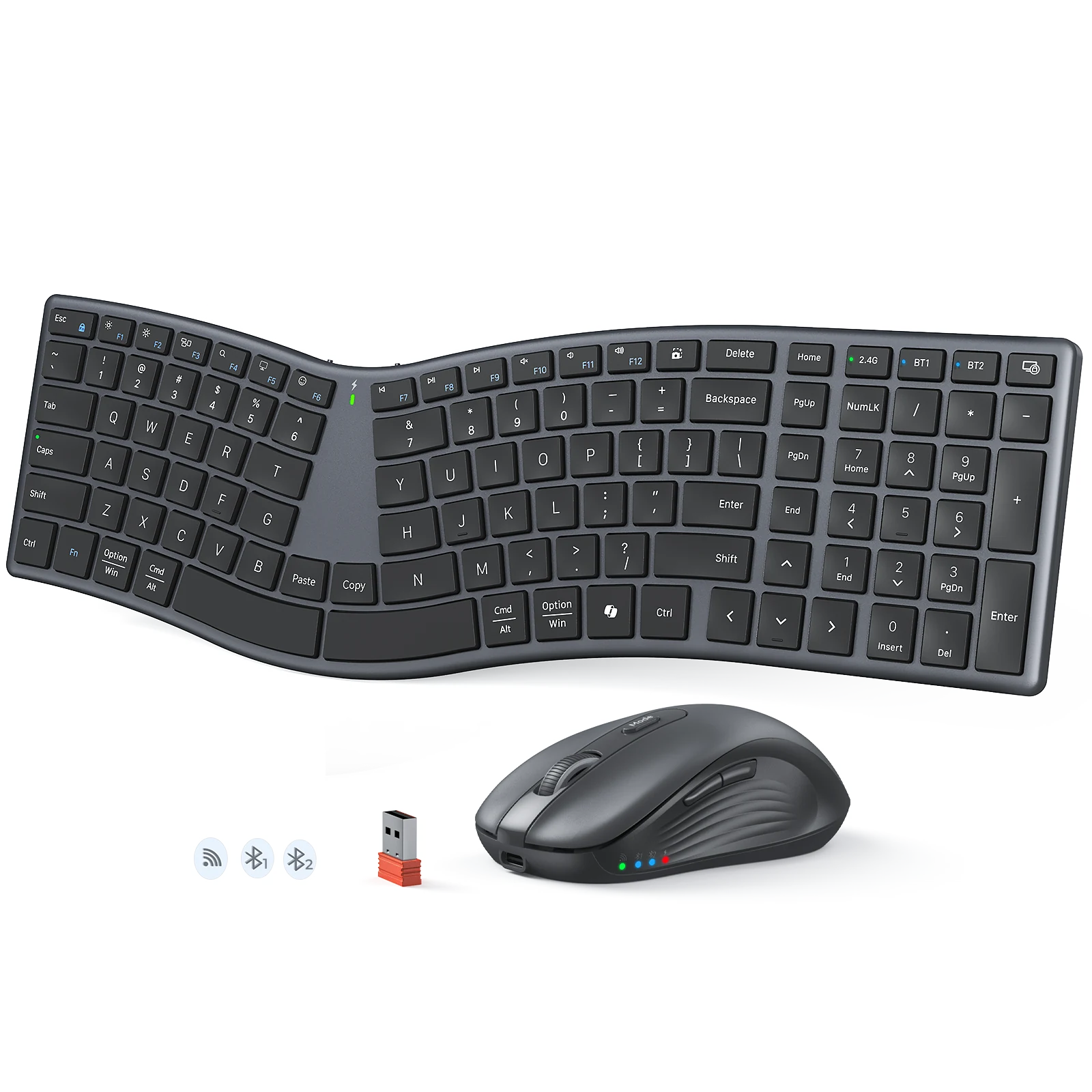
Ergonomic Wireless Combo with 2.4G+Bluetooth1+Bluetooth2 Dual-mode wireless connectivity, Silent scissor switch, Silent switch with 3 million times lifespan, and Split curved layout ergonomic design
(3 条评价)价格面议 —— 请联系我们获取报价
使用我们的自动应用优惠券可节省 CN¥80。
商品详情
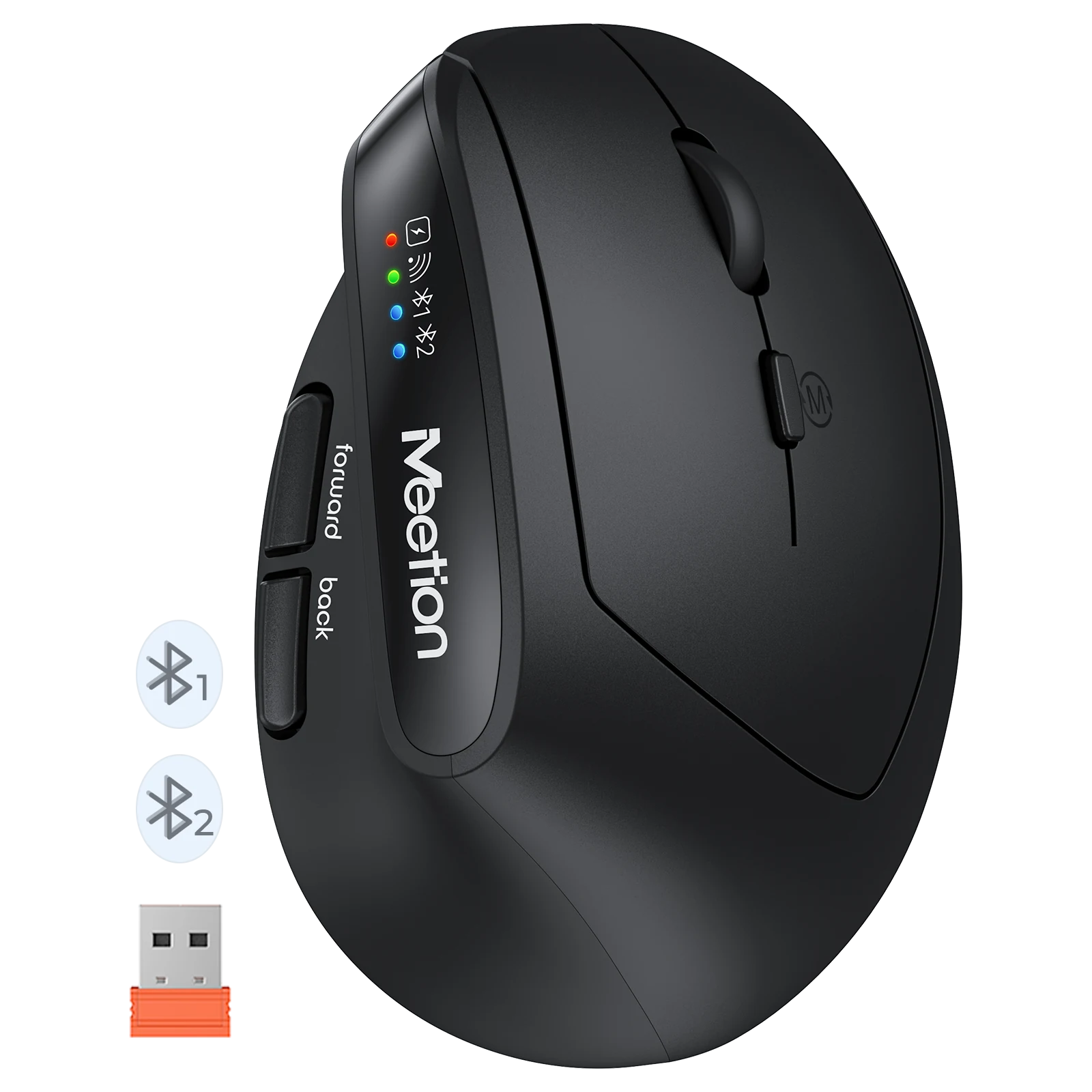
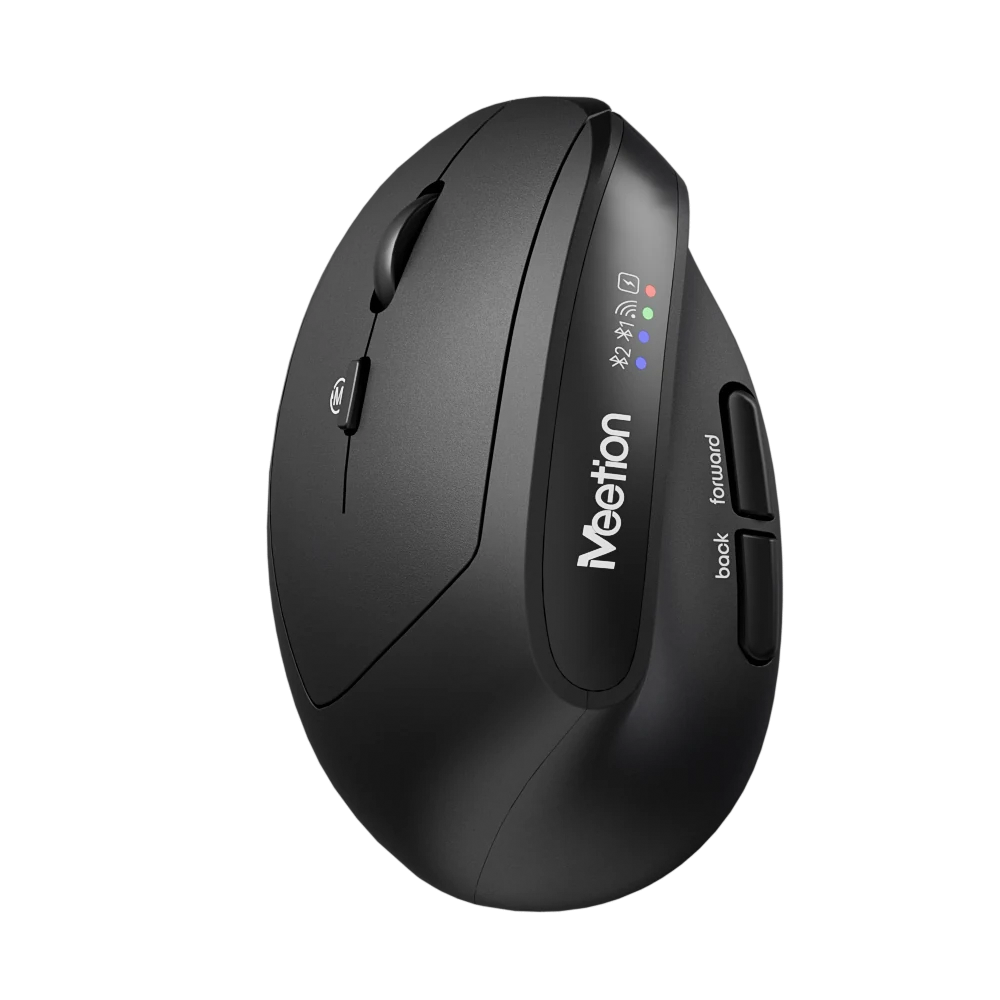
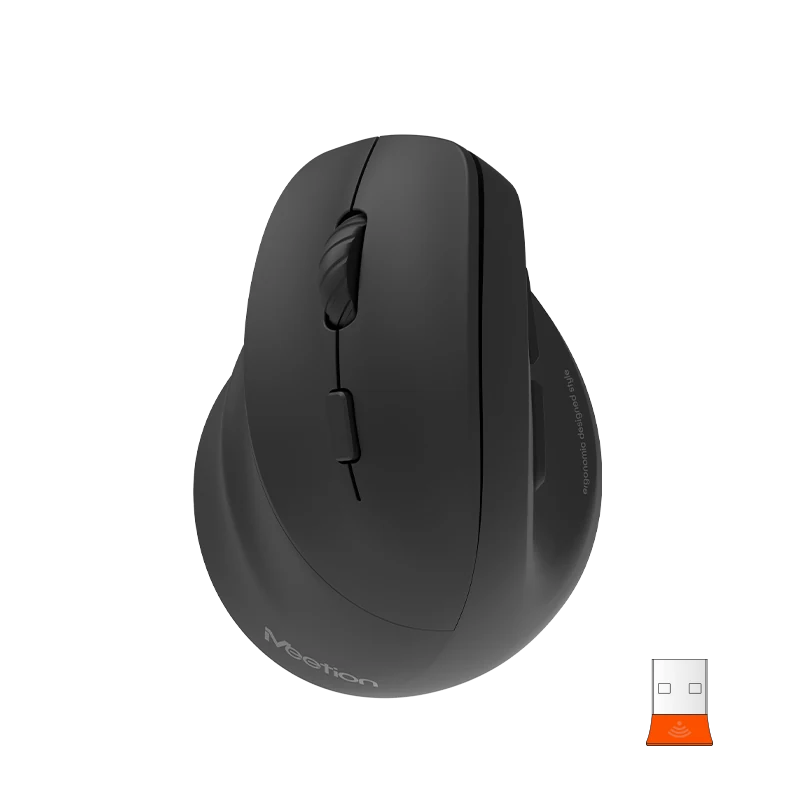
2 in 1 ergonomic combo wireless 2.4G+Bluetooth1+Bluetooth2 Dual-mode wireless connectivity Keyboard: 1. Split curved layout ergonomic design 2. Silent scissor switch 3. Skin-friendly keycap surface 4. 500mAh Lithium battery, 2h charge for up to 150h of use 5. Windows/mac OS compatibility Mouse: 1. 4-level adjustable DPI: 1200/1600/2400/3200DPI 2. 300mAh Lithium battery, 1.5h charge for 50h of use 3. Windows/mac OS compatibility 4. Silent switch with 3 million times lifespan
颜色:Dark Gray
Layout:English
这套组合里的商品同属一个系列,一起发货。
4 件商品 — CN¥717
基于 3 条评价
显示第 1–3 条,共 3 条
Drivers sign in on it all day with cold hands. The keys respond to a light press, which matters when nobody wants to take gloves off.
Bills and budgeting once a week. The keypad makes the figures easy and the mouse is precise when I am comparing rows.
It stays on a lectern between lessons. The cable is long enough to reach a machine on the floor, and the mouse handles slides comfortably.
只有已验证购买的用户才能评价。请用下单时的邮箱登录,并在订单页提交评价。
It supports 1200-1600-2400-3200 DPI.
It connects via 2.4 GHz Wireless / Bluetooth.
It supports Windows/MacOS.
Download the DirectorQ Ergonomic Wireless Combo user manual. The page lists the languages and file size.
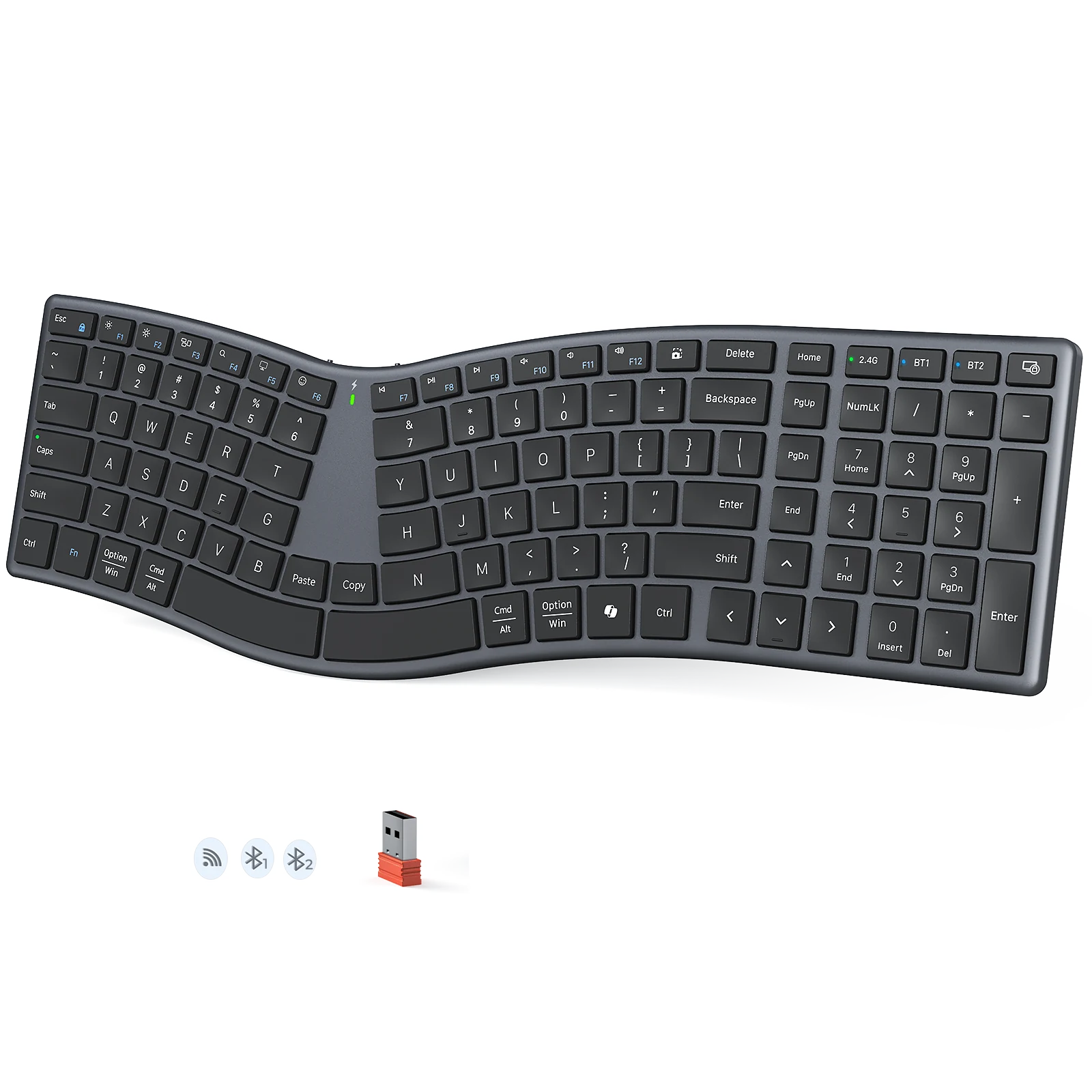
DirectorQK Ergonomic Wireless Keyboard
Ergonomic split wireless keyboard with 2.4G+Bluetooth1+Bluetooth2 dual-mode connectivity, silent scissor switch, skin-friendly keycap surface, and split curved layout
MC15 Gaming Microphone
Gaming Microphone with RGB backlight 360°Different Angle Suitable for multiple scenarios
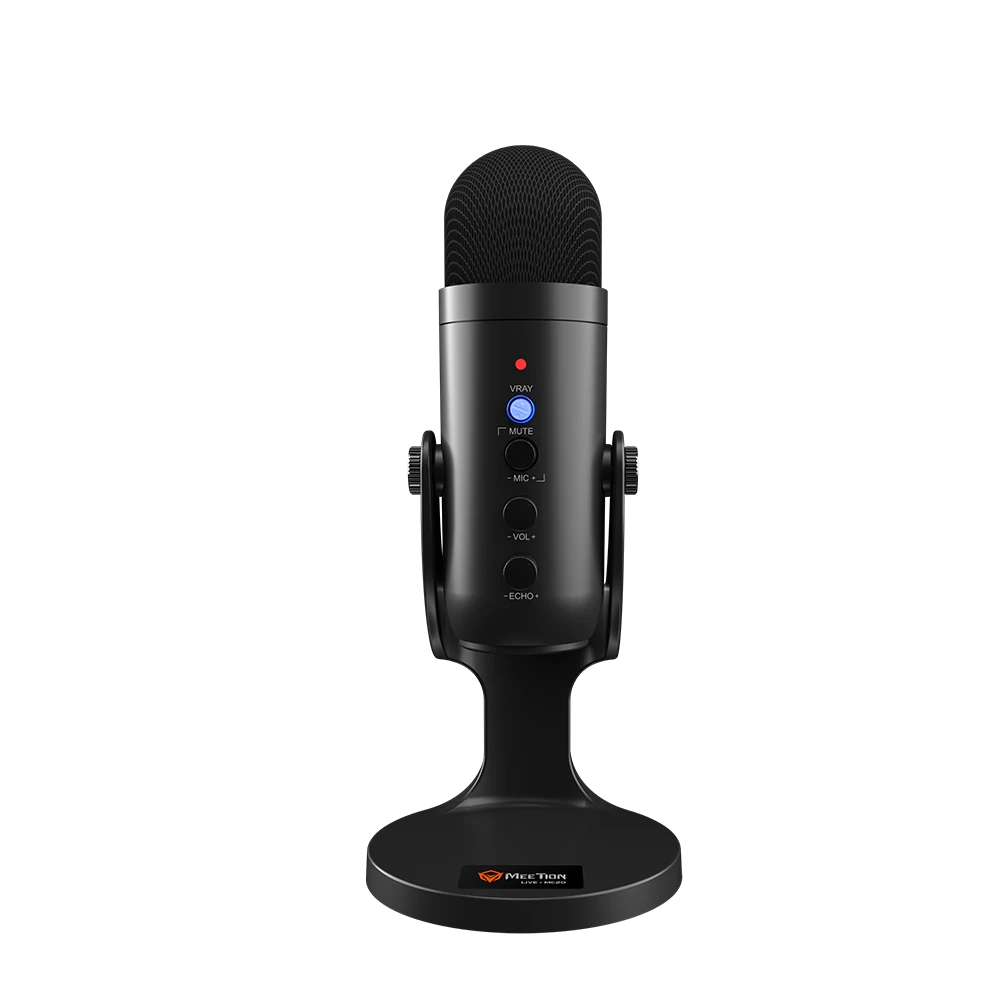
MC20 Gaming Microphone
Ultra Gaming Microphone
MC14 Gaming Microphone
Gaming Microphone with RGB backlight 360°Different Angle Quick volume adjustment
DirectorQ Combo User Manual